 Button
to display the Network Processes screen.
Button
to display the Network Processes screen. CollectMax allows for data exchange program such as the You've Got Claims (YGC) Interface. This interface is an optional module. For information on obtaining this feature, please contact the Sales Department.
From the
main menu of CollectMax, Click the Button
to display the Network Processes screen.
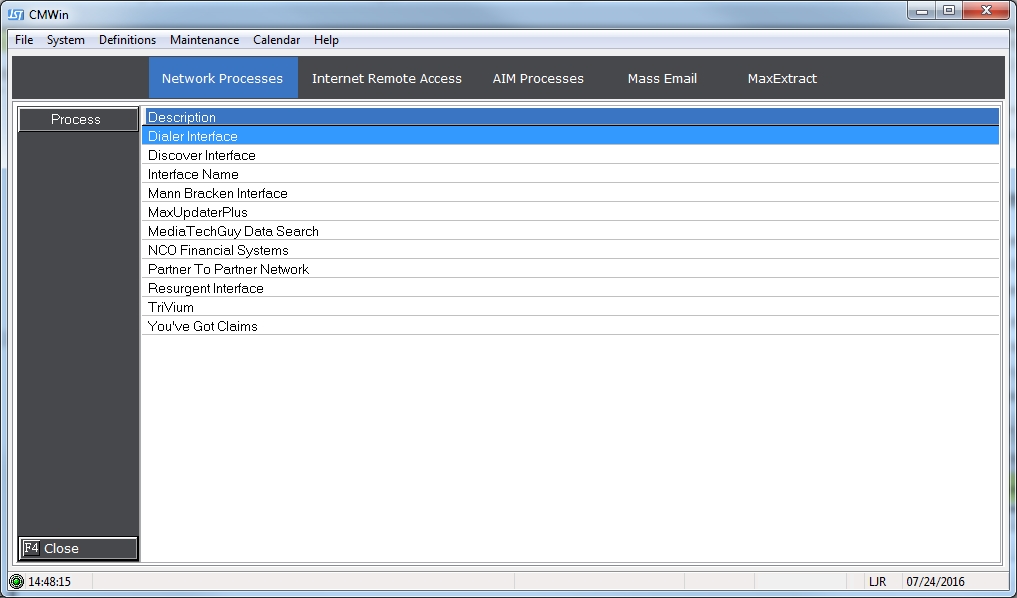
On the Network Processes tab, select the YGC Interface by clicking once and highlighting You've Got Claims under the Description section.
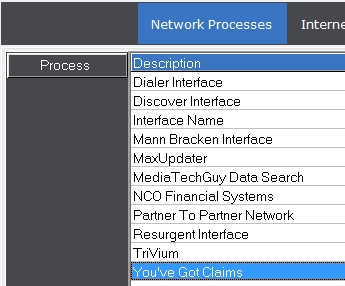
Once the
Interface is selected, click on the  button
or double click on the highlighted You've Got Claims Interface, which
will automatically display the Download tab for the YGC Interface.
button
or double click on the highlighted You've Got Claims Interface, which
will automatically display the Download tab for the YGC Interface.