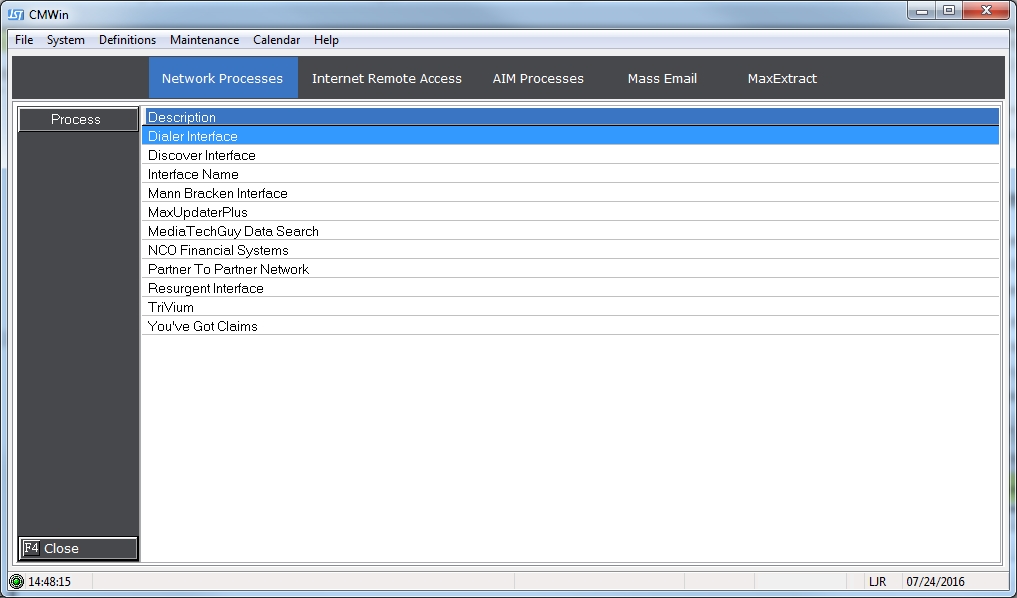
The Interface Log keeps a record of all events processed by the Interface including uploads, downloads and remarks.
To Access the Interface Log from the Network Processes screen,
Select an
interface, click the  button.
This will take users to the Interface download tab.
button.
This will take users to the Interface download tab.
Click the
 .
To go to
the Interface Log screen.
.
To go to
the Interface Log screen.
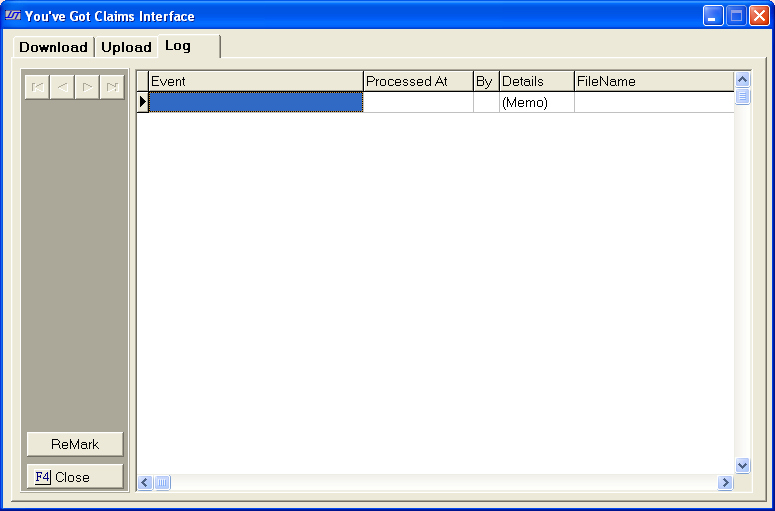
Users will see a list of all interface events.
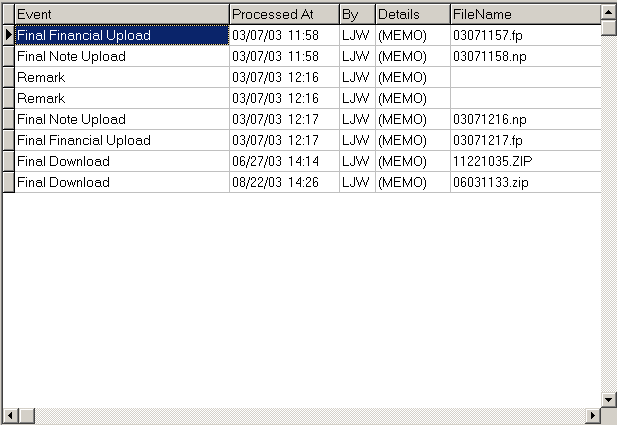
Each  , will be listed with a
  date and time,
  the
user who processed the event, with
the
user who processed the event, with  and a
and a  .
.
Users can
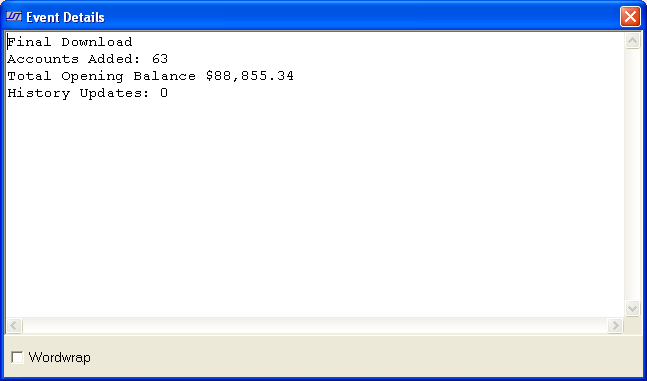
get a summary of each event by, clicking on an event, the double clicking
the  section. This
will take the user to event detail screen.
section. This
will take the user to event detail screen.
or
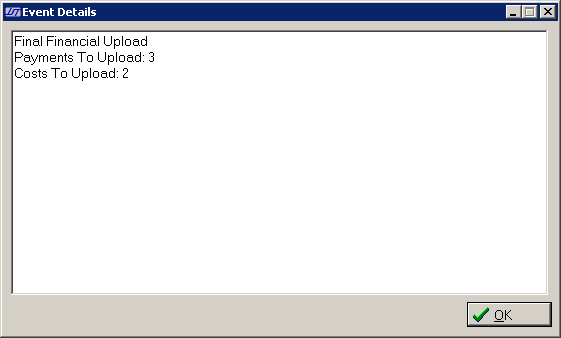
To exit the
event detail, click the  button.
Users can
navigate through the list by using the  buttons.
Use the  button
to go back to the top of this list. Use
the
button
to go back to the top of this list. Use
the  button
to go to the end of the list. Use
the
button
to go to the end of the list. Use
the  button
to go up one event. Use
the
button
to go up one event. Use
the  button
to go down one event.
button
to go down one event.