 tab, click the
  button, to bring up the
Action Table Screen.
button, to bring up the
Action Table Screen. The You've Got Claims Interface allows users to define and translate downloaded network note/status codes into action codes. Each time these codes are downloaded from the client, the defined action item will be added to the debtor's account.
For Example: The action table can be used to define recall codes so the recalled accounts can be found by running an Action Item Report.
From the
tab, click the button, to bring up the
Action Table Screen.
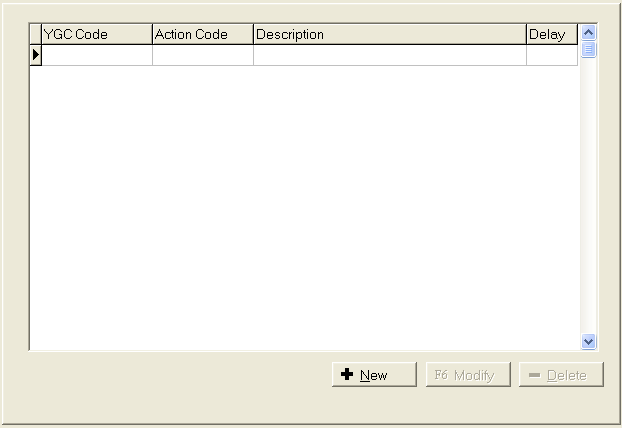
Click the
 button, to get to the Add an Action Translation Record.
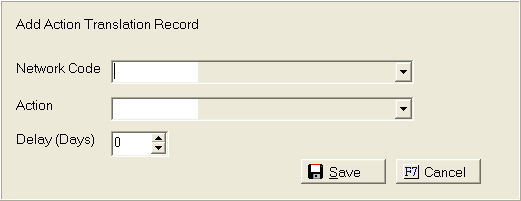
Click the
 button to select the Network Code. Highlight
and click network note code.
button to select the Network Code. Highlight
and click network note code.
Click the
button to select the Action Code. Highlight
and click the action code.
Enter a number of days Delay for the action due date.
Note:The action codes in the list are current CollectMax codes. If
users need to add a code to this list, go to definitions, codes, action.
To Delete
a record, from the Action Table Screen, highlight the record that needs
to be deleted and click the  button.
To Change
information on any record, from the Action Table Screen, highlight the record
that needs to be modified and click the  button.
Click the  button to save this
record.
button to save this
record.