 button.
This type of transaction is only available in the Firm Bank Accounts.
You can use the Bank Disbursement transaction to generate a check for firm related expenses. This is helpful when you are using CollectMax in order to keep track of all firm expenses, even those unrelated to the collections activity.
Choose the appropriate bank from the list
by clicking the button.

Choose Bank
Disbursement from the list in the Transaction field by clicking the button. Click
the  button to continue the transaction.
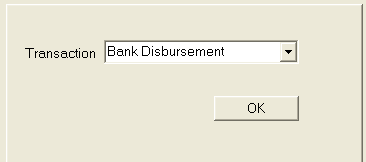
Select the
date by typing in the date with the MM/DD/YYYY
format or click the  button
to choose a date.
button
to choose a date.
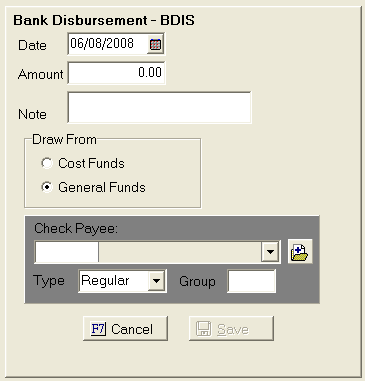
Fill in the amount field, and then type in any information necessary in the Note field.
You will need to determine whether this amount will be funded by the costs or the general fund.
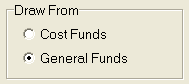
Then choose
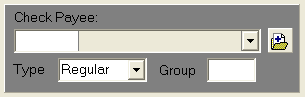
the payee for the check by clicking the button and picking
from the list. If you do not see the appropriate choice, you can set up
a new check payee by clicking on the  button. You will
also need to determine if this a regular or manual check and if it will
be part of a group check.
button. You will
also need to determine if this a regular or manual check and if it will
be part of a group check.
The check will be added to the pending checks screen. How to Write a Cost Check
Click the
 button.