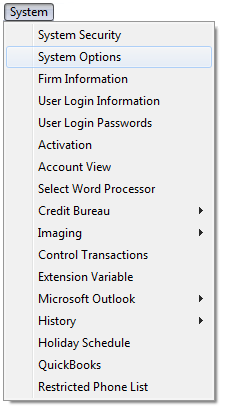
In CollectMax, there are several system options that can be set by the user. These options effect several aspects of the system.
Options can be added with updates. It would be a good idea to check the system options occasionally for new items.
To set the options, click System, System Options
to display the System Options Screen.
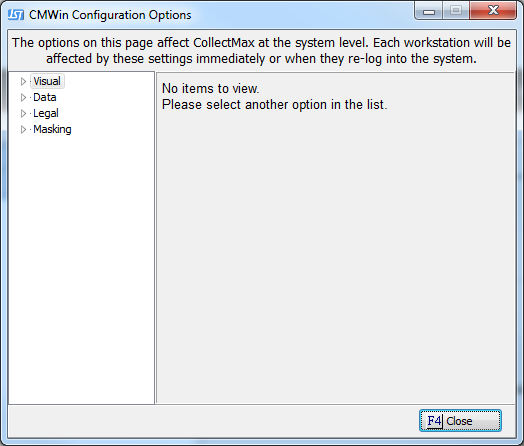
To select
an option, click the  box next to the selection. The options are divided into different tabs according to their functions:
All options are system wide options. Any options selected will affect all workstations but may not take affect until after the user has exited CollectMax and logged back in.
Click the
 button to save the options.