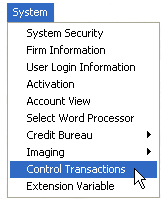
This feature allows users to disable all manually posted transactions. The feature is useful when running reports such as the Receipts and Disbursments Report.
From the menu bar, click System and Control Transactions,
To display the Control Transactions Screen.
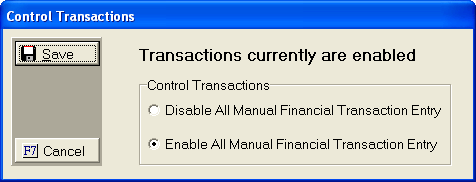
All Manual
Financial Transactions are enabled by default. Click
the  button next to Disable
All Manual Financial Transaction Entry.
button next to Disable
All Manual Financial Transaction Entry.
Click the
 button to display the protected entry screen.
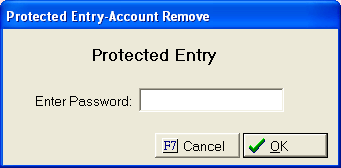
Enter the
master password and click the  button. A
quick message will appear will disabling transactions.
button. A
quick message will appear will disabling transactions.
To re-enable
Manual Financial Transactions, repeat the process except click the button next to Enable All
Manual Financial Transaction Entry.