 button.
This type of transaction is available in the Firm Bank Accounts and the Trust Bank Accounts.
You can use the Bank Charge transaction to record any bank charges, such as monthly service fees, wire transfer fees, etc.
Choose the appropriate bank from the list
by clicking the button.

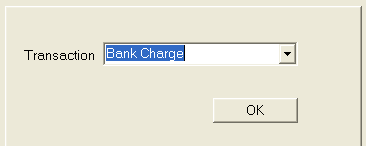
Choose Bank Charge from the list in the Transaction field by clicking the button.
Click the
 button to continue the transaction.
Select the
date by typing in the date with the MM/DD/YYYY
format or click the  button
to choose a date.
button
to choose a date.
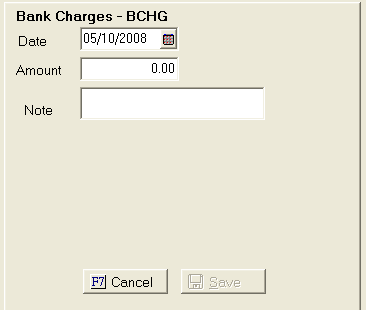
Fill in the amount field, and then type in any information necessary in the Note field.
Click the
 button.